Get the Move App
Track your workouts, follow your programs, and see your progress — right from your phone. Install it in under a minute, no app store required.
Open the appThe app is currently in beta testing. You may notice the occasional rough edge while we keep improving it — thank you for trying it early.
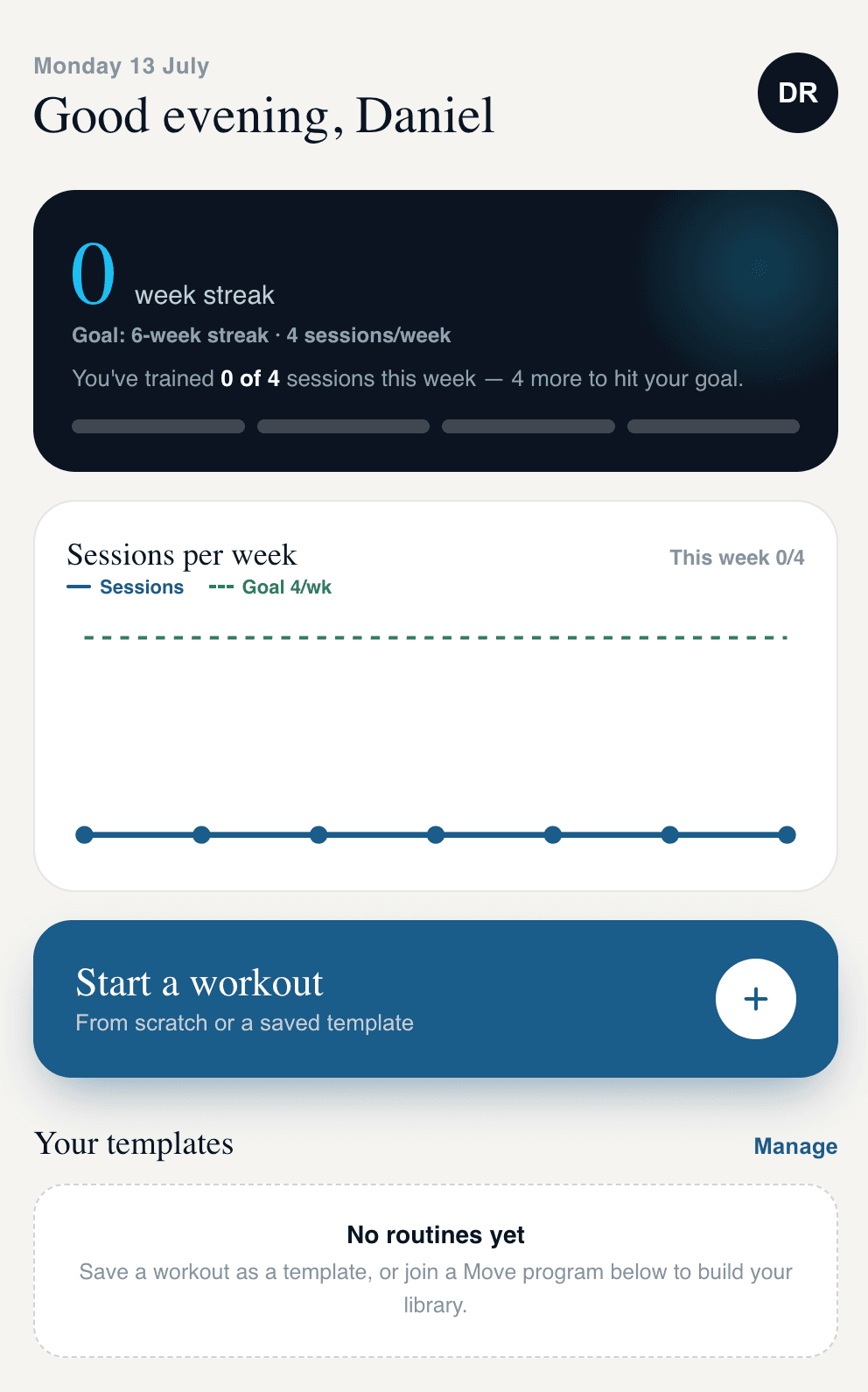
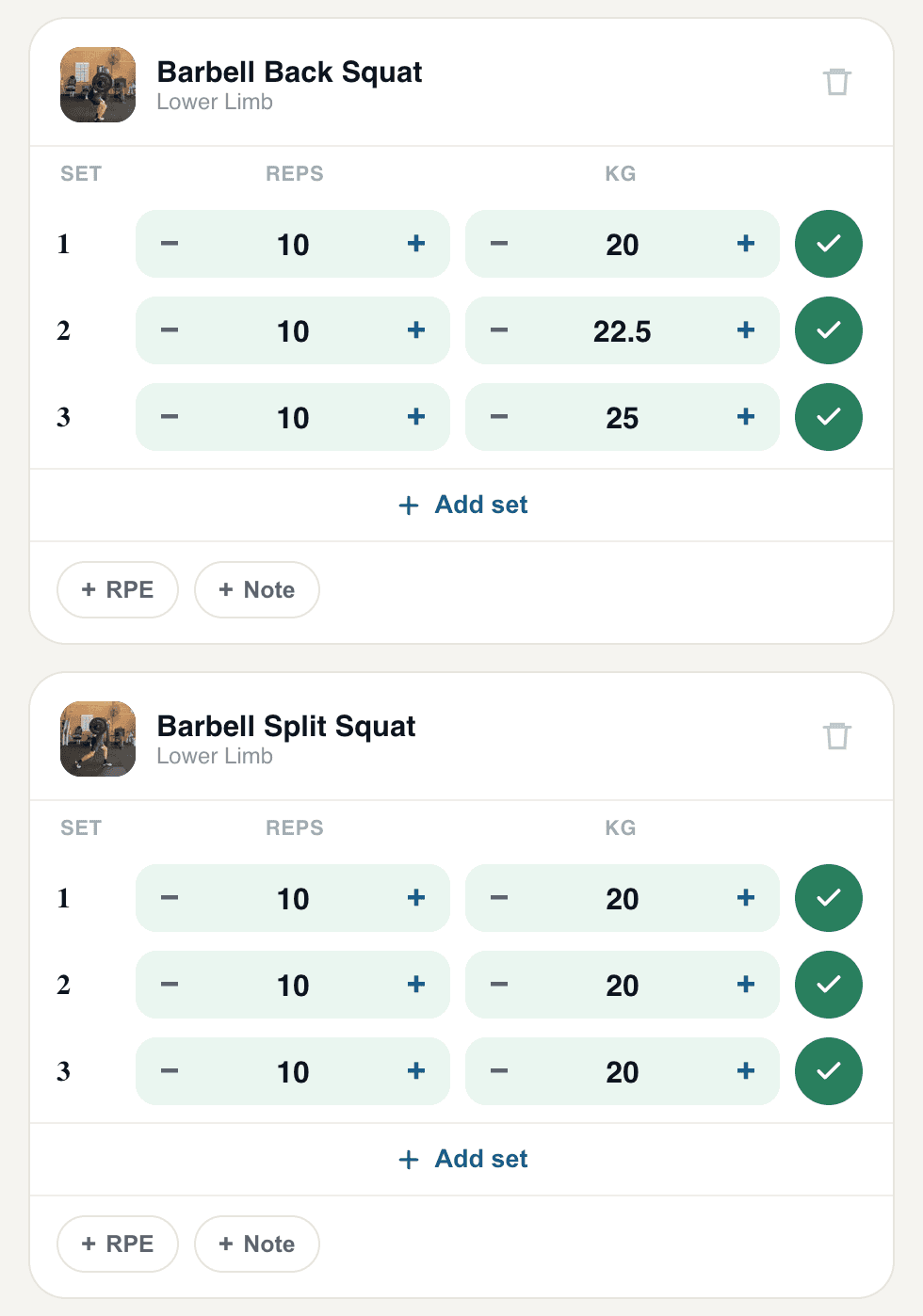
Install on Android (Chrome)
Open Chrome and go to movephysiotherapy.com.au/app/login.
Sign in (or create an account if it's your first time).
Tap the 3-dot menu in the top-right corner of Chrome.
Tap Install app (sometimes shown as Add to Home screen).
Confirm by tapping Install. The Move app icon will appear on your home screen or app drawer.
Install on iPhone (Safari)
Open Safari and go to movephysiotherapy.com.au/app/login. This only works in Safari — other browsers on iPhone can't add apps to your home screen.
Sign in (or create an account if it's your first time).
Tap the Share icon at the bottom of the screen — the square with an arrow pointing up.
Scroll down the share menu and tap Add to Home Screen.
Tap Add in the top corner. The Move app icon will appear on your home screen, ready to open like any other app.
Something not working?
Since we're in beta, we'd genuinely like to hear about anything that trips you up. Get in touch via the contact page and let us know what device and browser you're using.